

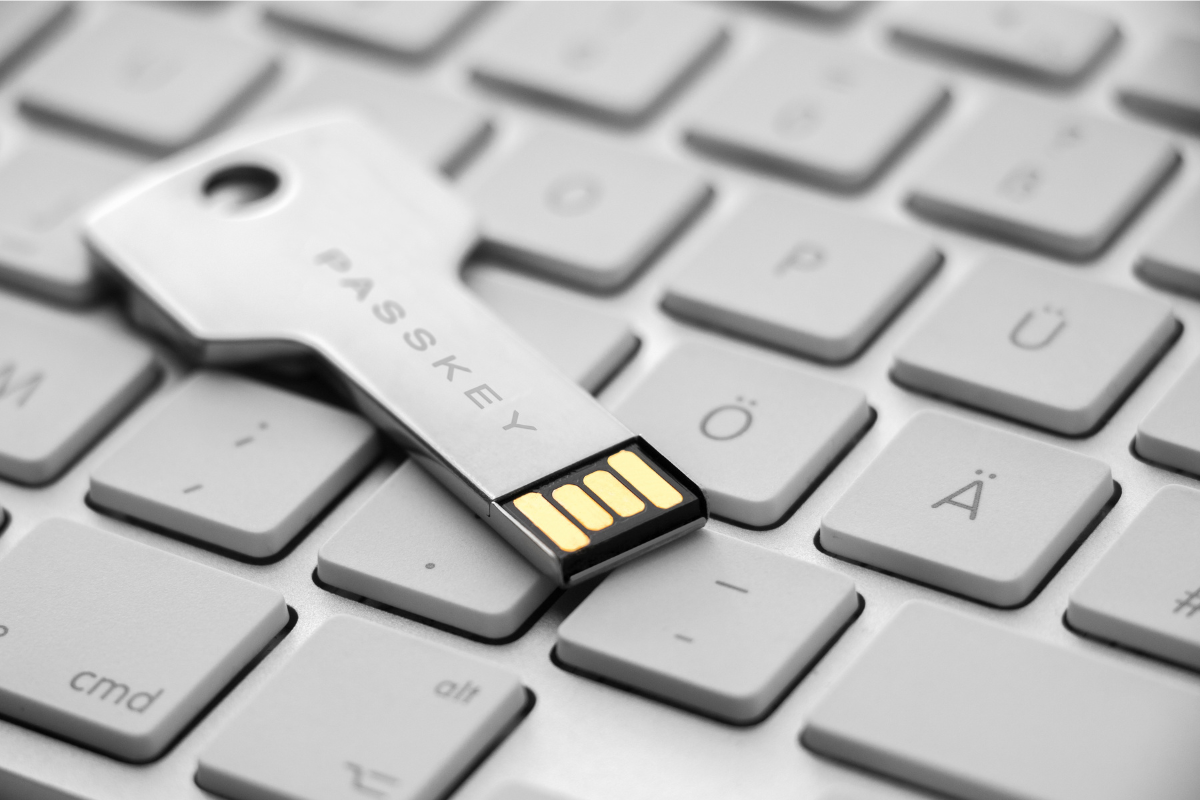
Welcome to our Tech Tip of the Month! Each month, we share practical tech advice to help you work smarter, stay secure, and get more out of your tools.
Microsoft is Pushing Passkeys – Here’s Why It Matters
If you’ve logged into your Microsoft account recently, you may have noticed a prompt encouraging you to set up a passkey.
This isn’t just a new feature, it’s part of a broader shift away from passwords altogether, and it’s happening faster than many businesses expect.
The Problem with Passwords
Passwords have been the standard for decades, but they’re also one of the weakest points in modern cybersecurity.
They can be reused across multiple accounts, stolen through phishing emails or fake login pages, and exposed in data breaches.
Even when combined with multi-factor authentication, traditional login methods can still leave gaps.
What Microsoft and Others Are Doing
Major providers like Microsoft, Google, and Apple are now actively rolling out passkeys as a replacement for passwords.
Microsoft’s push to encourage users to enable passkeys is part of a wider move towards passwordless authentication, making accounts both easier to access and significantly harder to compromise.
What is a Passkey
A passkey is a way to securely sign in without using a password.
Instead of typing credentials, your device confirms your identity using something you already use every day, like a fingerprint, facial recognition, or a device PIN.
Behind the scenes, passkeys work like a digital lock-and-key system. One key is stored securely on your device, and the other is stored with the service you’re accessing. Both pieces need to match, meaning there’s no password being shared or exposed.
Why Passkeys Are More Secure
Passkeys solve some of the biggest risks associated with passwords.
There’s no password to steal, so attackers can’t capture or reuse credentials.
They are phishing-resistant by design. Your device will only provide your passkey when a valid request is made from a legitimate website, meaning fake login pages can’t trick you into handing over access.
They also include built-in multi-factor protection, combining your device with biometric or PIN verification for stronger security without added complexity.
Why They’re Easier for Users
Security improvements often come with added friction but passkeys do the opposite.
There are no passwords to remember, no reset requests when someone forgets them, and no waiting for SMS or app-based codes.
In most cases, signing in is as simple as unlocking your device.
What This Means for Your Business
Microsoft’s push isn’t just about convenience, it’s about reducing real-world risk.
Credential theft and phishing attacks remain one of the most common ways cybercriminals gain access to business systems. Moving towards passkeys helps remove that risk entirely.
While not every application supports passkeys yet, adoption is growing quickly, and businesses that start preparing now will be better positioned as passwordless authentication becomes the norm.
Getting Started
If you’re seeing prompts in Microsoft 365 or other platforms, it’s worth taking the time to set up a passkey.
In many cases, you’ll first need to have multi-factor authentication enabled to verify your identity before setting up a passkey. This ensures the initial setup is secure from the start.
Enable passkeys for your accounts, ensure your devices are secure and trusted, and begin educating staff on passwordless login.
Small steps now can make a big difference later.
Final Thoughts
Passwords aren’t disappearing overnight but their importance is fading.
Microsoft’s push towards passkeys is a clear signal of where things are heading, less friction for users and far stronger protection for businesses.
It’s not just a new feature, it’s the next step in how we secure our digital identities.
We hope you find this helpful! Stay tuned for more tech tips next month where we’ll share more practical ways to boost productivity and stay secure. Happy computing!