


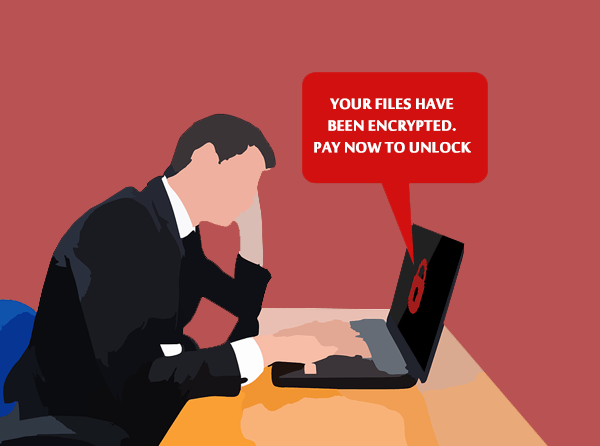
Have you ever thought about how much your data is worth? Information is possibly the most valuable part of your business – there’s your client database, accounting software and inventory management, and of course, any intellectual property you may own. When the ransomware, WannaCry, tore through the world recently, many businesses were suddenly forced to re-assess the value of their data: was it worth saving, and what would be the deeper cost of the attack? Continue reading to learn more about ransomware damage costs.
Most ransomware attacks cost $150-$600 to get your files released, but that’s only IF the cyber-criminals honor the payment and actually give you the decryption key. Meanwhile, new client calls are still coming in and you may find yourself unable to operate with your systems down. Paying the ransom or restoring from an unaffected backup seems like a quick fix, but it doesn’t end there. There’s still the downtime involved to restore all your data – possibly days – and that’s a lot of lost productivity. Plus, if word gets out that your data has been compromised, you may find confidence in your business plummets and your existing clients head elsewhere. That $150 ransom may end up costing well over $150,000!
Prevent Ransomware Attacks on your Business
Keep your systems up to date: WannaCry took advantage of a flaw in older versions of Windows, one that was since patched by Microsoft. But to be protected, businesses had to be up to date with their patches AND be running a supported version of Windows. Delaying patches and updates puts your business at risk – we can help you update automatically.
Lock down employee computers: Very few staff will require full administrator access to your business network. The higher their level of permissions, the more damage a person can do – either accidentally with a whoopsie click, or by inadvertently installing malware. By locking down your employee computers, you have a better chance of containing a malware attack to non-vital systems. Our experts can design an access management plan that gives you best of both worlds: flexibility PLUS security.
Educate your workplace: Most employees believe they’re being cyber-safe but the reality is quite different. Many malicious links and embedded malware have become hard to spot in an instant – which is all it takes to click and regret. We can work with your staff to establish procedures around checking links for authenticity before clicking, awareness around verifying the source of attachments, and the importance of anti-virus scanning. We’ll help get the message through!
Have a solid backup plan: When ransomware hits, a connected backup = infected backup. Unfortunately, synced options such as Dropbox immediately clone the infected files, rendering them useless. The only safe backups will be the ones both physically and electronically disconnected, with systems designed to protect against attacks like this. Our experts can set you up with a backup system that makes recovery a breeze.
Be proactive: The best way to avoid the financial cost of a ransomware attack is to prevent it from happening in the first place. Remember, many businesses were able to watch WannaCry from the sidelines, completely unaffected and seizing opportunities while their competitors were down.
Our managed IT services can help protect your business against the next cyber-attack. Feel free to get in touch with us if you have any more concerns about ransomware damage costs and their potential impact on your business or to learn which of our other IT solutions can help you and your business.


