

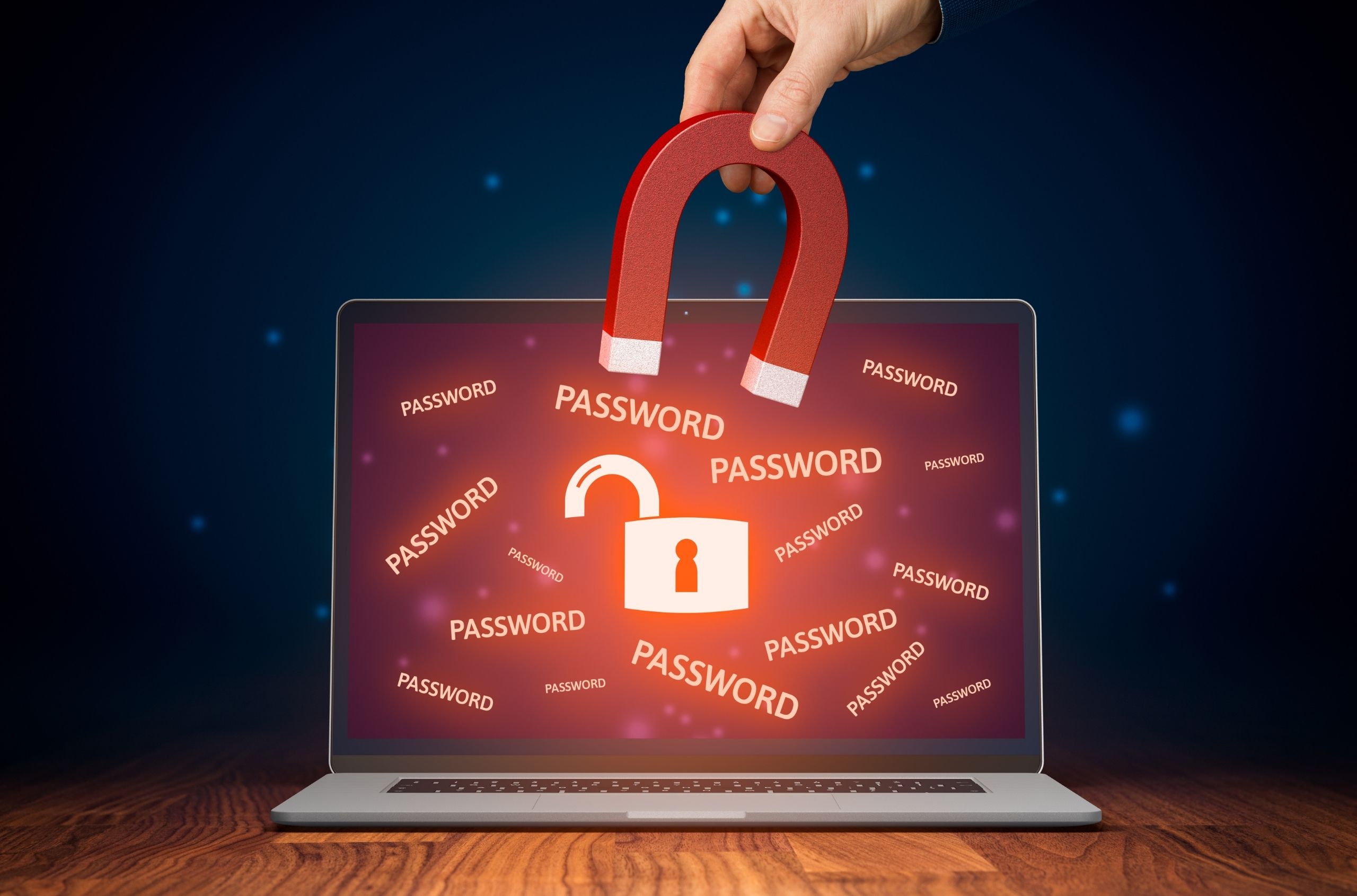
Do you find it difficult to create and remember secure passwords? Are you finding that you store your passwords on a piece of paper, or in a digital spreadsheet? If you answered yes to any of these questions, password management software could be for you!
Cybersecurity continues to be a paramount concern for businesses across the globe with hackers and scammers becoming more elaborate in their schemes and abilities to obtain secure data.
As our dependence on using the internet and networked systems continues to rise, the importance of good password management practices is vital to accessing the internet in a safe and secure manner. With this comes a catch 22, having a unique and secure password for every account can be both difficult to remember and can quickly lead to unsafe storage practices paving the way for passwords to be illegally accessed or obtained.
This week, our team looks at the benefits of using password management software, whether or not it’s safe, some reputable and available password managers and how Connected Platforms can help your business succeed in the constantly evolving online security landscape.
What is Password Management Software?
Password management software is a piece of third-party software or browser extension that safely stores and secures your passwords in an encrypted database. Instead of having to remember potentially hundreds of complex passwords or write them down in an unsecured location, using this software only requires you to remember a single secure password which then grants access to all of your passwords. Once accessed your password manager can then be used to prefill and access your online accounts with ease.
Should I Use a Password Manager?
If you are wondering ‘should I use a password manager?’ for your business or at home, it’s important to look at some of the benefits with password managers and whether or not they are safe for your intended purpose.
Benefits of Using Password Managers
- You don’t need an amazing memory – With a password manager, you don’t need to try to remember all of your passwords as they are all securely stored in one place.
- You don’t run the risk of storing your passwords insecurely – Rather than storing your passwords in a spreadsheet, in a notebook, or on your phone, all of your passwords are securely stored in your password manager reducing the risk of your phone, notebook, or spreadsheet being accessed without permission.
- It’s easy to update and change your passwords – If you’ve had to change your password for any reason, updating your password in your password manager is super simple, simply log in and update to your new password and you’re done.
- Accessibility – With a password manager, you can install the software or extension across multiple devices which means you have secure access to all your passwords wherever you go.
- Multi-factor authentication – While password managers traditionally use a secure password allowing you to gain access, the latest password managers allow you to access your password database through a second authentication factor such as a fingerprint, voice recognition or iris scan for added protection.
- The financial cost is minimal – While there are reputable free password managers, for a small monthly cost, businesses can have their entire team set up on a password management software ensuring greater security and flexibility across all members of an organisation.
- Strong password etiquette – Most modern password managers have the ability to create secure passwords for you. With a password manager there’s very little risk that your account passwords will be based on personal information or that it won’t be secure enough.
Are Password Managers Safe?
The simple answer is yes, however, as with all thing’s related to online security it’s never that simple and there are never any guarantees. In essence, using a password manager is going to be far safer than not using one for most internet users.
This is true for two reasons, the first being that password managers encourage you to practice property password security, that is using unique passwords that are long and complex – i.e. aj80x)(3pRz!. Secondly, password managers simplify the need to remember all of your unique passwords, logging into a password manager only requires you to remember one complex password rather than over 100 for all of your online accounts. Which ensures that you don’t have to leave your passwords in an easily accessed spreadsheet or post-it note attached to your monitor.
While there is still always the chance of password managers being hacked – the best password managers employ a technique called ‘zero-knowledge’ which means that even though you are inputting your passwords into the password manager, the software company does not know your passwords which adds layers of encryption that the average hacker would find it hard to overcome.
All things considered to help answer ‘do I need a password manager?’, using password management software for your business is generally considered safer than the risks of not using a password manager.
3 Popular Password Managers
Zoho Vault
If your business is already up and running with Office 365, you’ll find that integrating Zoho Vault as your online password manager to be a simple and streamlined process. Say goodbye to storing your passwords in a spreadsheet or on a note attached to your monitor; With Zoho Vault your teams can securely store, share, and manage passwords from anywhere. To top it off Zoho Vault has advanced access control, action tracking, and monitoring features to ensure a safe and secure way to store and share passwords across your entire organisation.
LastPass
Offering a host of features on the free plan with the option to upgrade to several scalable business plans, Lastpass is simple to use, yet highly effective with the safety and security features for a fraction of the cost of some competitors. With strong encryption algorithms, multi-factor authentication functionality, and a simple-to-use browser extension, it is a good choice for growing businesses that require a scalable choice.
Dashlane
While not the cheapest password manager on the market, Dashlane is well regarded for its host of features and is one of the most secure password managers in the marketplace with over 10 years of never having a security breach. With full support for Windows 10 and Microsoft Edge browser, it pairs well if your business is already using Microsoft products. Offering a built-in VPN for browsing on unsecured networks, account recovery, admin console, password sharing and more, Dashlane is a powerful piece of software perfectly scalable to businesses of any size.
Want to Learn More?
If you’ve been wondering, ‘are password managers safe’, ‘do I need a password manager?’ or are unsure on what password management software is suitable for your business, get in touch with our managed IT services team and get your FREE IT health checktoday. With Connected Platforms as your IT services partner, we’ll help you ensure your IT security and infrastructure is managed, optimised, and simplified so that you can focus your energy and efforts on growing your business!