

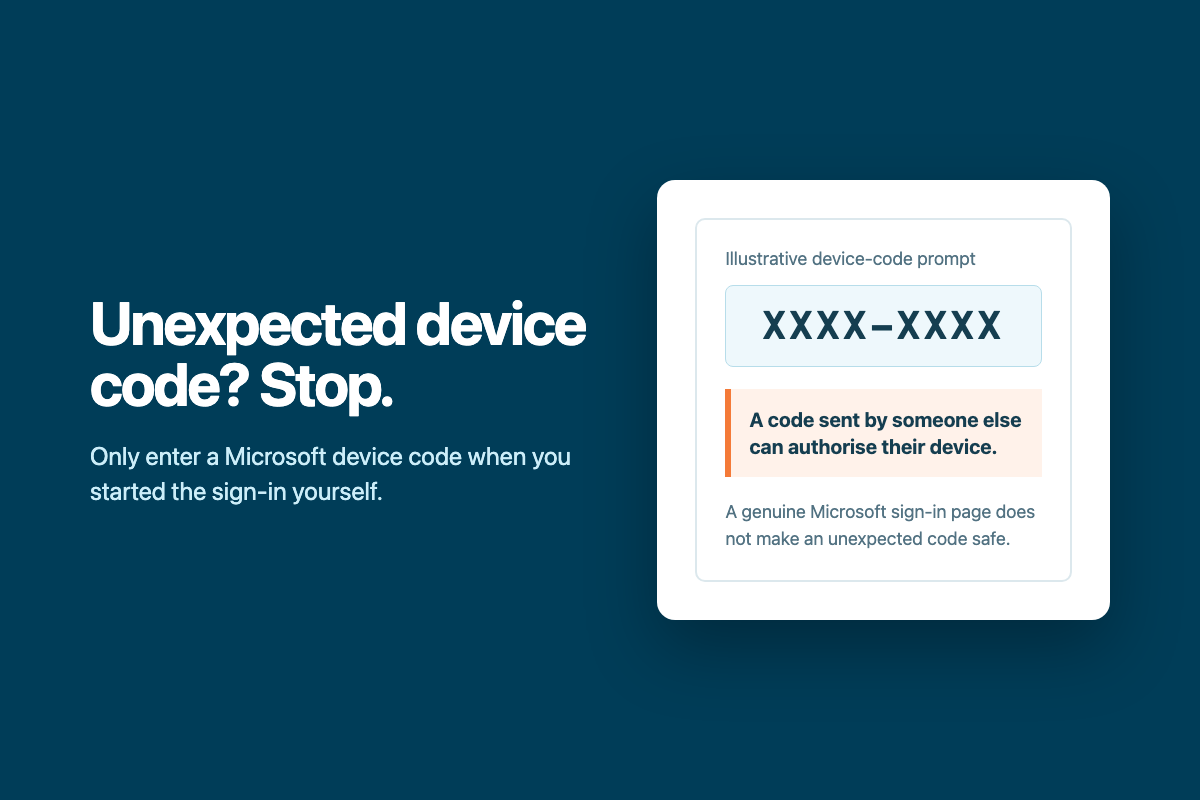
Device-code phishing can send you to Microsoft’s genuine sign-in page and still give an attacker access. The key question is not whether the page looks real. It is whether you started the sign-in yourself.
If a code arrives by email, Teams, phone, text message or support chat, stop. A legitimate support person should not ask you to authorise a device they control.
How the attack works
The attacker starts a device sign-in
Device-code sign-in is designed for equipment or applications that cannot easily show a normal browser, such as shared devices, displays and some command-line tools.
They send you the code
The attacker may pretend to be Microsoft, a supplier, a recruiter or your IT provider. They give you a short code and direct you to Microsoft’s real device sign-in page.
You complete Microsoft’s sign-in
You enter the attacker’s code, sign in and may complete multi-factor authentication. The page is genuine, but the code links your approval to the device or application the attacker started.
The attacker receives access
Their device or application may receive tokens that let it access permitted Microsoft 365 services as you. That access can continue until the session or tokens are revoked.
Only enter a device code when you have just started that exact sign-in on a device or application in front of you. If you cannot match the code to something you initiated, close the page.
Warning signs
The code came from someone else
A person sends you a code and asks you to enter it, even if they claim to be helping with an account problem.
You did not start a sign-in
No television, meeting-room device, printer, application or command-line tool in front of you is waiting for authorisation.
The request is urgent
You are told access will expire, your account will be closed or work cannot continue unless you act immediately.
The page is real, so you feel safe
That is the trick. The Microsoft page can be genuine because the attacker is abusing a legitimate authentication process.
Multi-factor authentication is still essential, but it does not make an unexpected device-code request safe. In this attack, the victim may complete MFA as part of authorising the attacker’s request.
What to do
If you have not entered the code
- Close the sign-in page.
- Do not reply to the request or use contact details supplied in it.
- Report it through your normal IT or security channel.
If you entered the code or approved the sign-in
- Contact your IT provider immediately and say that it involved a Microsoft device code.
- Do not wait for visible account changes. Token access may not look like a normal browser login.
- Follow your provider’s instructions for session revocation, password changes and account checks.
For Microsoft 365 administrators
Microsoft describes device-code flow as high risk and recommends blocking it wherever possible. Before enforcing a block, review sign-in logs and test the Conditional Access policy in report-only mode. Keep only documented exceptions for devices or applications that genuinely require the flow.
- Filter Entra sign-in logs by the Device code authentication protocol.
- Revoke active sessions and investigate the affected account after suspected compromise.
- Review application access, mailbox activity and other sign-in events.
- Use Conditional Access to restrict or block device-code flow where it is not needed.
Microsoft guidance: Authentication flows in Conditional Access and Blocking device-code flow.
Unsure about a Microsoft sign-in request?
Stop before entering the code. Connected Platforms can check the request and help contain the account quickly if it has already been approved.