
Choosing between HDD and SSD used to involve a real trade-off: SSDs were faster but expensive, HDDs were slower but affordable. In 2026, that trade-off has largely collapsed. SSDs have dropped dramatically in price while HDDs have stagnated. For most business computers, the choice is straightforward — but there are still scenarios where HDDs make sense.
Here’s a plain-English breakdown to help you make the right call for your business equipment.
HDD vs SSD: What’s the Actual Difference?
Hard Disk Drive (HDD)
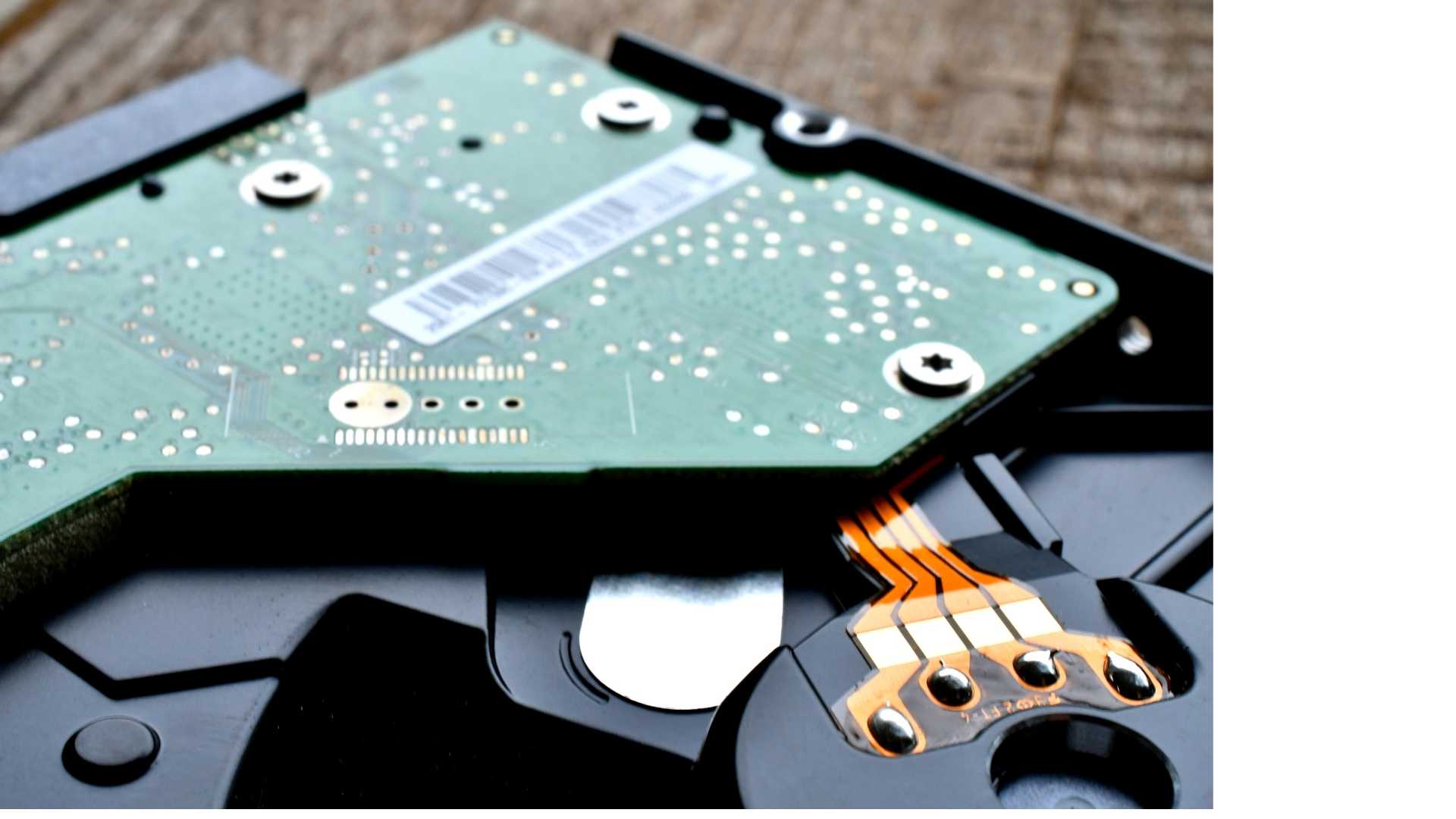
HDDs store data on spinning magnetic platters. A read/write head physically moves across the disk to access data. The mechanical nature means they’re slower, more susceptible to physical damage (especially in laptops), generate heat, and have more moving parts that can fail.
On the plus side: they’re still cheaper per gigabyte for large-capacity storage, making them the go-to for bulk data storage and archiving.
Solid State Drive (SSD)
SSDs store data on flash memory chips — no moving parts. They’re significantly faster at reading and writing data, consume less power, run silently, and are far more resistant to physical shock and vibration. They also boot faster and launch applications almost instantly.
Speed: How Big Is the Difference?
It’s significant. A modern SSD reads data at 500–7,000 MB/s depending on the type (SATA vs NVMe). A standard HDD reads at 80–160 MB/s. That’s anywhere from 3x to 50x faster.
In practice, this means:
- Boot time: SSD machines start in 10–20 seconds. HDDs take 45–90 seconds.
- Application launch: Accounting software, CRM, Microsoft 365 — all open noticeably faster on SSD
- File operations: Large file transfers, database queries, and report generation are substantially quicker
For staff productivity, this isn’t trivial. If 20 employees each lose 5 minutes per day to slow computers, that’s over 1,700 hours of lost productivity per year.
Cost in 2026: The Gap Has Closed
SSD prices have fallen dramatically over the last five years. Today:
- A quality 500GB SSD costs $40–80 AUD
- A 1TB SSD costs $80–140 AUD
- A 2TB SSD costs $150–250 AUD
HDDs are still cheaper per gigabyte at high capacities (4TB+ for NAS/archive), but for standard business laptop and desktop storage (250GB–1TB), the cost difference is minimal — and the performance and reliability gains of SSD more than justify the small price premium.
Reliability: Which Fails Less?
SSDs generally have better reliability than HDDs for everyday business use, largely because there are no moving parts to wear out or fail from physical shock. HDDs are particularly vulnerable in laptops — a bump while the drive is spinning can cause data loss or drive failure.
That said, SSDs have their own failure modes (flash cell wear, firmware issues) and neither storage type replaces proper backups. A failed drive — HDD or SSD — without a recent backup is a serious business risk regardless of which type you chose.
When Does an HDD Still Make Sense?
There are legitimate use cases where HDDs remain the right choice:
- Bulk archive storage: NAS devices storing large volumes of rarely-accessed files (old client projects, CCTV footage, backups). At 4TB–20TB capacities, HDD is significantly cheaper per GB and perfectly adequate for the access speed requirements.
- On-premise backup targets: If you’re backing up to a local device, HDD NAS is cost-effective and sufficient.
- Desktop machines with large storage needs: A desktop that needs 4TB+ of local storage and isn’t being moved around — an HDD for bulk storage alongside an SSD for the operating system is a practical combination.
Our Recommendation for Business Computers
For any laptop or desktop being used as a primary work machine: SSD, every time.
The performance difference is noticeable, the cost premium is minimal at typical business capacities (256GB–1TB), and SSDs are more reliable for mobile use. Buying HDD laptops or desktops in 2025 to save $30–50 per machine is a false economy — you’ll pay for it in productivity losses and IT support time.
For servers, NAS devices, or large-capacity storage: a hybrid approach often makes the most sense — SSD for the operating system and active data, HDD for bulk storage and backups.
Not Sure What Your Business Needs?
Hardware procurement decisions — especially for new equipment refreshes or server upgrades — are worth getting right the first time. The wrong choice can affect your team’s productivity for years.
Connected Platforms handles IT procurement for Brisbane businesses, from individual laptop replacements to full office hardware refreshes. We source equipment at competitive prices, configure it properly before it arrives at your desk, and make sure it integrates cleanly with your existing systems.
Book a call with our team to discuss your hardware needs — or call us directly if you’ve got a specific purchase decision to make and want a straight answer before you buy.